Salon aur Beauty Parlour ke liye Online Booking Website: Appointments, Services Menu aur Repeat Customers ki Complete Guide
Salon aur beauty parlour ka business poori tarah appointments par chalta hai. Ek din mein kitne customers aaye, kaunsa stylist kab free hai, kaun bina bataye nahi aaya, aur kaun tyohaar ke din last minute par aakar wait kar raha hai — yeh sab ek register aur phone calls se manage karna mushkil ho jata hai. Upar se, naya customer Google par "salon near me" ya "bridal makeup in my city" search karta hai, aur jis salon ki jaankari, photos aur booking ka option saaf dikhta hai, wahan pehle jaata hai.
Is guide mein Winziya Team step-by-step batayegi ki salon aur beauty parlour ke liye online booking website kaise plan karein: kaunse pages hon, services menu kaise dikhayein, slot booking kaise kaam karti hai, no-show kaise kam karein, Google par local customers kaise laayein, aur kaunsi galtiyon se bachein. Yeh guide ladies parlour, unisex salon, men's grooming studio, spa, nail studio, mehendi artist aur bridal makeup artist — sabke liye hai.
🤔 Salon ko Online Booking Website Kyu Chahiye?
Bahut se salon abhi tak sirf phone aur WhatsApp par bookings lete hain. Isme koi galti nahi, lekin kuch problems roz aati hain:
- Busy time par phone uthana mushkil — call miss, customer gaya
- Ek hi slot do logon ko de dena (double booking)
- Customer bhool jata hai aur nahi aata (no-show), slot khaali rehta hai
- Har customer wahi sawaal poochta hai: "facial kitne ka hai?", "Sunday ko khula hai?"
- Naye customers Google par aapko dhoondh nahi paate
Online booking website in sab mein madad karti hai:
- 24x7 booking: raat ko bhi customer kal ka slot book kar sakta hai
- Saaf slots: jo time bhar gaya, woh dobara nahi dikhega
- Kam phone calls: services aur price range website par hi
- Automatic reminders: no-show kam hote hain
- Professional image: customer ko lagta hai ki salon organized aur bharosemand hai
- Repeat customers: purane customer ko dobara book karna aasaan
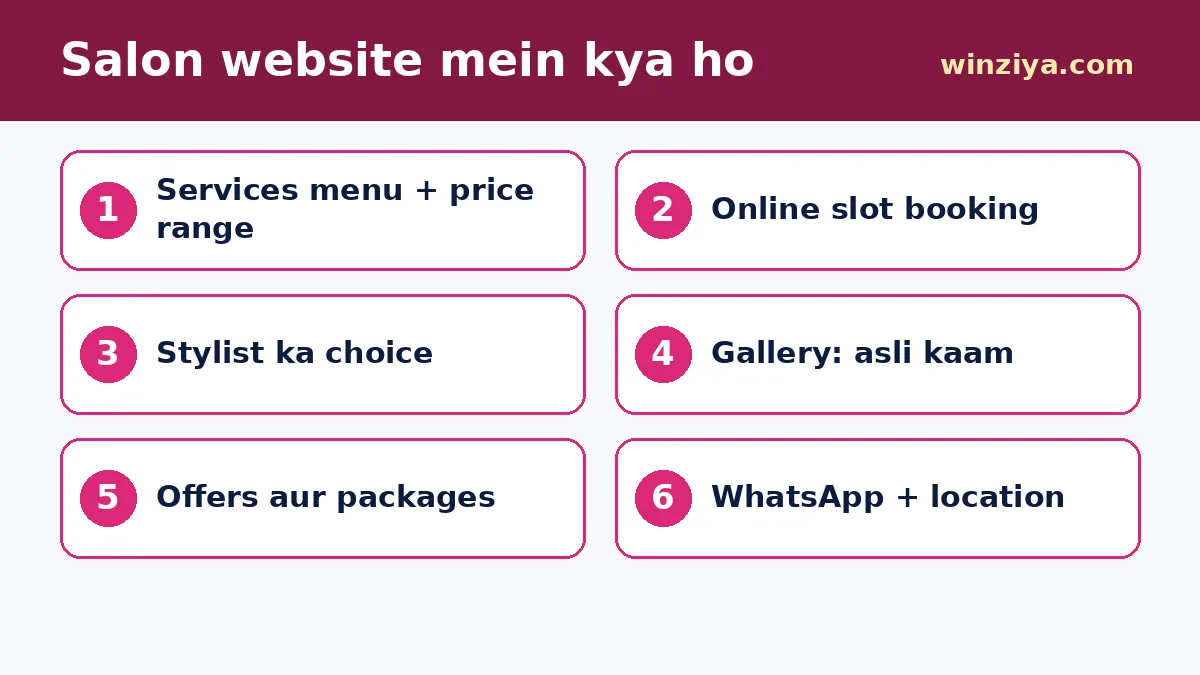
🧱 Salon Website ke Zaroori Pages
1. Home Page
Salon ka naam, ek line jo aapki khaasiyat bataye (jaise "Hair, skin aur bridal makeup — hygienic aur experienced team"), ek asli photo, aur do button: "Appointment Book Karein" aur "WhatsApp karein". Timings aur area ka naam bhi upar hi dikhe.
2. Services Menu
Yeh sabse zaroori page hai. Services ko categories mein baantiye:
- Hair: haircut, hair spa, colour, smoothening, keratin
- Skin: cleanup, facial, de-tan, bleach
- Hands & Feet: manicure, pedicure, nail art
- Waxing & Threading
- Makeup: party makeup, bridal, engagement
- Men's grooming: haircut, beard, facial
Har service ke saath approximate time (jaise 45 minute) aur price ya price range likhiye. Agar price product ya baalon ki lambai par depend karti hai, to "starting from" likhiye aur exact price consultation par batane ka note dijiye.
3. Online Booking Page
Isme customer service, stylist (optional), date aur time chunta hai, naam aur phone daalta hai, aur booking confirm ho jaati hai. Iske baare mein neeche detail mein baat karenge.
4. Gallery / Portfolio
Apne kaam ki asli photos — hairstyles, colour, bridal looks, nail art. Customer ki photo sirf uski anumati ke saath lagaiye. Internet se uthayi gayi photos kabhi mat lagaiye; customer ko jo dikha, wahi result ki ummeed hoti hai.
5. Team / Stylists
Har stylist ka naam, photo, experience aur speciality. Bahut se customers kisi khaas stylist ke paas hi jaana chahte hain — unke liye stylist choose karne ka option bahut kaam ka hai.
6. Packages aur Offers
Bridal packages, pre-bridal packages, festival offers, membership card — sab yahan. Offer ki shart (validity, kis service par) saaf likhiye.
7. Contact aur Location
Address, Google Map, landmark, parking, timings, weekly off, phone aur WhatsApp.
📅 Online Slot Booking Kaise Kaam Karti Hai (Step-by-Step)
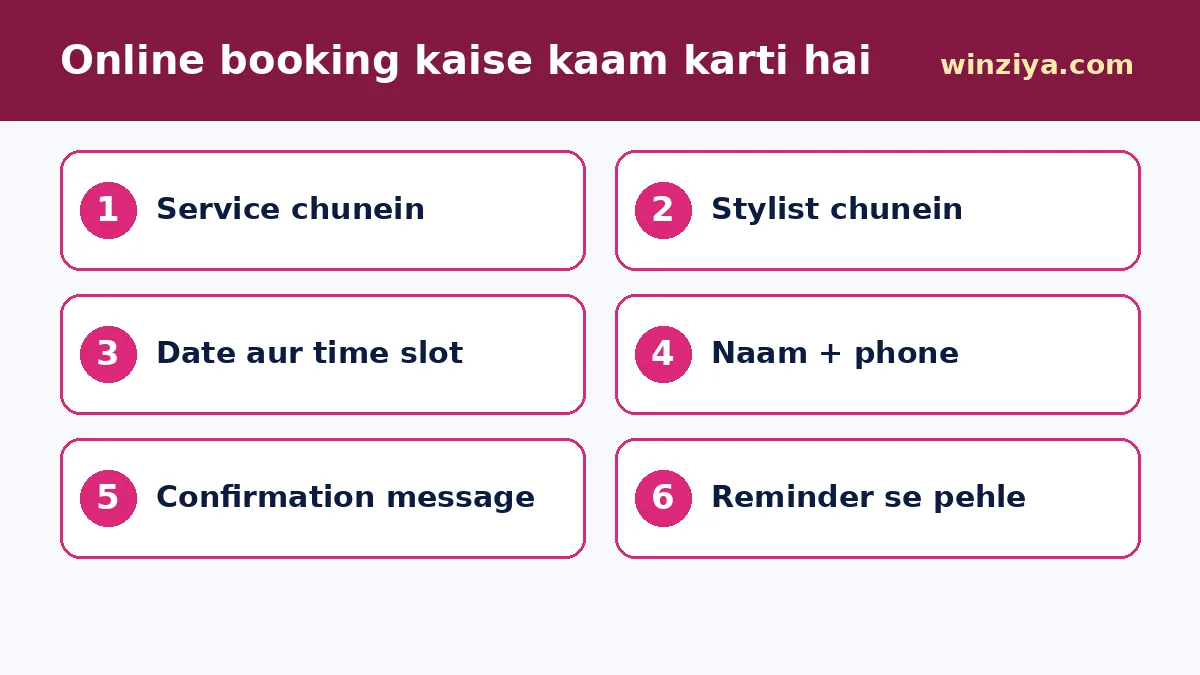
Ek achhi booking system ka flow customer ke liye bahut simple hona chahiye:
- Service chunein: customer ek ya zyada services select karta hai; system total time jod leta hai
- Stylist chunein (optional): "koi bhi available" ka option bhi ho
- Date chunein: weekly off aur chhutti ke din band dikhein
- Time slot chunein: sirf khaali slots dikhein, service ke time ke hisaab se
- Details bharein: naam aur mobile number — bas
- Confirmation: screen par aur WhatsApp/SMS par booking details
- Reminder: appointment se pehle automatic reminder
- Reschedule/cancel: ek aasaan link, taaki customer bina call kiye time badal sake
Salon owner ki taraf se admin panel mein yeh hona chahiye:
- Aaj ki aur aane wali bookings ki list
- Har stylist ka calendar
- Walk-in customer ko bhi manually add karne ka option
- Kisi slot ko block karna (lunch break, chhutti)
- Customer history — pichhli baar kaunsi service li thi
Winziya ka Appointment System ₹8,999 se shuru hota hai, jisme slot booking, calendar, reminders aur admin panel aata hai. Agar aap online payment ke saath service packages bechna chahte hain, to Service Booking Site ₹10,999 se (service packages, online payment, order tracking, admin panel). Apne salon ka mobile app chahiye to Booking App ₹19,999 se.
⚖️ Phone Booking vs WhatsApp vs Online Booking (Comparison)
| Point | Sirf phone | Sirf WhatsApp | Online booking website |
|---|---|---|---|
| 24x7 booking | Nahi | Message aata hai, jawab baad mein | Haan, turant |
| Double booking ka risk | Zyada | Zyada | Bahut kam |
| Automatic reminder | Nahi | Manual | Haan |
| Staff ka time | Bahut lagta hai | Kaafi lagta hai | Kam |
| Customer history | Register mein | Chat mein bikhri | Ek jagah |
| Google par dikhna | Nahi | Nahi | Haan, website ke saath |
Iska matlab yeh nahi ki phone aur WhatsApp band kar dein. Sabse achha tareeka hai teeno ko saath rakhna — website par booking button, saath mein WhatsApp button, aur phone number bhi. Bas jo bhi booking aaye, woh ek hi calendar mein jaaye.
🚫 No-Show Kaise Kam Karein
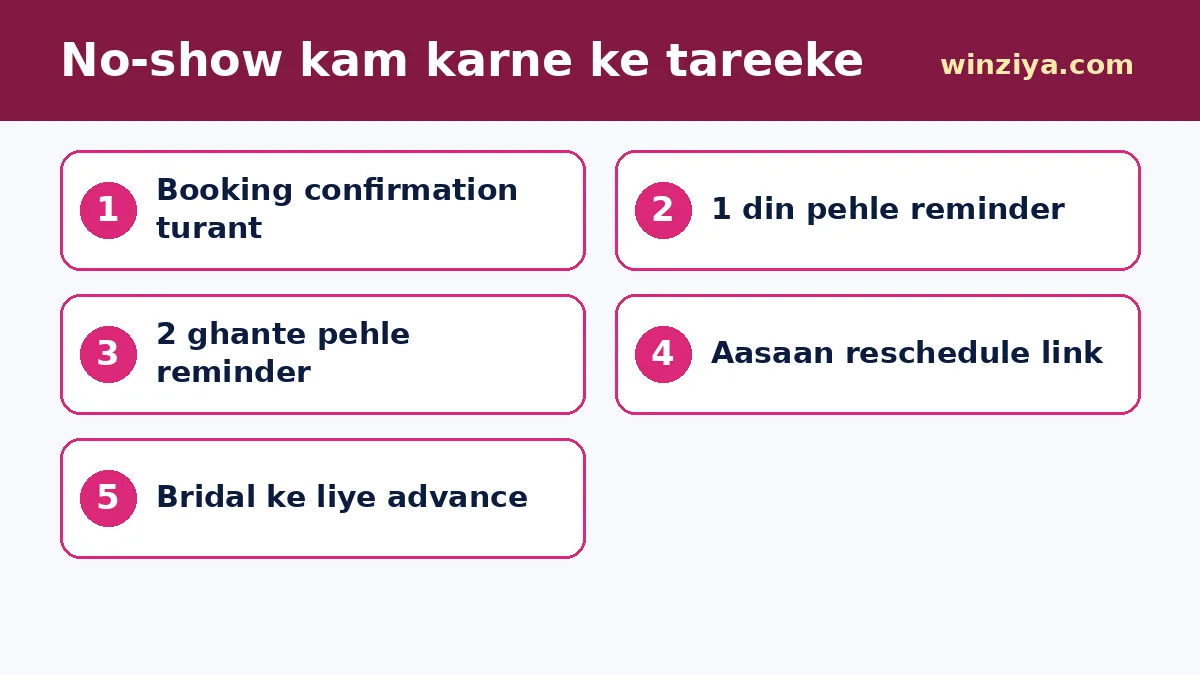
No-show salon ka sabse bada chhupa nuksaan hai — slot khaali, stylist free baitha, aur doosre customer ko mana kar diya tha. Kuch practical tareeke:
- Turant confirmation: booking hote hi WhatsApp/SMS par details
- Reminder: ek din pehle aur 2 ghante pehle
- Aasaan reschedule: customer ko cancel karne ki jagah time badalne ka aasaan option do — woh customer bacha rahega
- Advance payment: bridal, party makeup ya lambi services ke liye thoda advance online lena sahi rehta hai
- Policy saaf likhein: jaise "15 minute se zyada late hone par slot aage badh sakta hai" — politely aur pehle se bata kar
💄 Bridal aur Makeup Artists ke liye Special Tips
Bridal booking mahino pehle hoti hai aur customer bahut soch-samajh kar chunta hai. Isliye:
- Bridal portfolio ka alag page — alag-alag looks (traditional, HD, airbrush ho to)
- Packages ki saaf list: kya shamil hai (trial makeup, hairstyle, draping, saree/lehenga setting, on-location charges)
- Date availability check aur advance booking form
- Pre-bridal skin aur hair packages
- Shaadi ke season mein offers ka landing page — landing page guide dekhiye
Yaad rahe, sirf apne asli kaam ki photos lagaiye aur reviews sirf asli customers se lijiye.
📍 Local SEO: "Salon Near Me" mein Upar Kaise Aayein
- Google Business Profile banaiye — category "Beauty salon", "Hair salon" ya "Bridal makeup artist" jo sahi ho. Poora tareeka hamari Google Business Profile guide mein
- Google profile mein website ka booking page link jodiye
- Website title mein area aur city ka naam: "XYZ Salon — Unisex Salon in [Area], [City]"
- Har badi service ka apna section: hair colour, keratin, bridal makeup, facial
- Hafte mein kuch nayi asli photos Google profile par daaliye
- Har khush customer se politely Google review maangiye — review ke badle discount offer mat kijiye, yeh Google policy ke khilaaf ho sakta hai
- Reviews ka jawab dijiye, negative reviews ka bhi shaanti se
Detail mein Local SEO guide padhiye. Apni website ka basic SEO hamare free SEO Checker se check kar sakte hain.
📲 WhatsApp aur Instagram ko Saath Jodiye
- Instagram bio mein website ka booking link
- Har reel ke caption mein "Booking ke liye bio link dekhein"
- Website par floating WhatsApp button, ready message ke saath ("Hi, mujhe appointment chahiye") — hamare free WhatsApp Link Generator se banaiye
- Booking ke baad WhatsApp par aftercare tips (jaise hair colour ke baad kya karein)
Zyada tips ke liye WhatsApp + website guide aur e-commerce vs Instagram shop bhi padhiye.
🔁 Repeat Customers Kaise Badhayein
Salon ki asli kamai repeat customers se hoti hai. Website aur booking system isme madad kar sakte hain:
- Customer history: pichhli baar ki service aur stylist yaad rakhiye
- Re-booking reminder: haircut ke 4-6 hafte baad, ya facial ke mahine baad ek friendly message
- Membership/loyalty card: kuch visits ke baad ek free service jaisa simple plan
- Birthday offer: sirf un customers ko jinhone message lene ki anumati di ho
- Feedback form: har visit ke baad 2 sawaal ka chhota feedback
Customers ka phone number aur data surakshit rakhiye, aur bina anumati promotional messages ki bauchhaar mat kijiye. Saaf privacy policy rakhiye — website security basics mein aur tips hain.
🎨 Design Tips
- Soft aur elegant colours — rose, gold, cream, ya aapke brand ke rang
- Badi, saaf, asli photos
- Booking button har page par, mobile par neeche sticky
- Services menu mobile par aasaani se padha jaaye — lambi table ki jagah cards
- Fast loading — website speed guide dekhiye
⚠️ Aam Galtiyan
- Booking hai lekin calendar update nahi: walk-ins add nahi kiye, double booking ho gayi
- Bahut lamba booking form: 10 fields dekh kar customer chhod deta hai
- Price bilkul nahi likhna: customer ko andaza bhi nahi, woh doosre salon ko call karta hai
- Nakli ya copy ki hui photos: bharosa bhi jata hai aur copyright ki dikkat bhi
- Reminder nahi: no-show badhte rehte hain
- Offer purana: Diwali offer March mein bhi dikh raha hai
- Google profile aur website par alag timings: customer confuse hota hai
- Mobile par booking toot jaati hai: launch se pehle 2-3 phones par test zaroor kijiye
✅ Salon Booking Website Launch Checklist
- Services menu poora, time aur price/range ke saath
- Stylists ki details aur photos
- Booking flow mobile par test kiya — service, date, slot, confirm
- Confirmation aur reminder messages aa rahe hain
- Weekly off aur chhutti calendar mein block
- Walk-in add karne ka tareeka staff ko samjhaya
- Gallery mein sirf asli kaam
- Offers ki validity aur shartein likhi
- Google Business Profile se booking link joda
- Har page ka title aur description — free Meta Tag Generator se
- Privacy policy aur cancellation policy pages
- HTTPS (SSL) chalu
💰 Salon Website ka Kharcha
| Zaroorat | Sahi option | Starting price |
|---|---|---|
| Simple salon website (services, gallery, contact) | Business Website | ₹6,999 se |
| Online slot booking + reminders | Appointment System | ₹8,999 se |
| Online payment ke saath service packages | Service Booking Site | ₹10,999 se |
| Salon ka mobile booking app | Booking App | ₹19,999 se |
Domain aur hosting ka kharcha alag ho sakta hai. Apna andaza hamare free Website Cost Calculator se lagaiye, aur poora breakdown website cost guide mein dekhiye. Saare packages yahan dekhein.
🤝 Winziya ke saath Kaam Kaise Hota Hai
Hum process ko simple aur transparent rakhte hain, taaki aapko technical baaton ki tension na ho:
- Baat-cheet: aap apni zaroorat batate hain — free consultation form ya WhatsApp se
- Sahi package: aapke business aur budget ke hisaab se honest salah, real prices ke saath
- Content: aap photos, details aur logo dete hain; zaroorat ho to text likhne mein hum madad karte hain
- Design aur development: mobile-friendly, fast aur SEO-ready setup
- Review: aap dekhte hain, badlav batate hain
- Live: website live, aur Google par dikhne ke basic steps ki guidance
Shuruaat se pehle apni site ka basic SEO dekhna ho to hamare free tools — SEO Checker, Meta Tag Generator, Website Cost Calculator aur WhatsApp Link Generator — bina login ke use kar sakte hain.
🎯 Nishkarsh: Booking Aasaan, Customer Khush
Salon ke liye online booking website ka matlab hai — kam phone ki tension, kam double booking, kam no-show, aur zyada repeat customers. Shuruaat ke liye bas itna kaafi hai: saaf services menu, aasaan slot booking, asli photos, WhatsApp button aur ek verified Google Business Profile.
Ek baar yeh base ban jaye, to aap packages, online payment aur loyalty jaisi cheezein dheere-dheere jod sakte hain. Agar aap chahte hain ki Winziya Team aapke salon ke liye sahi setup suggest kare, to free consultation form bhariye — hum aapke business aur budget ke hisaab se honest salah denge.
❓ Aksar Pooche Jaane Wale Sawaal (FAQ)
Salon ke liye online booking website kitne mein banti hai?
Winziya par Appointment System ₹8,999 se shuru hota hai, jisme slot booking, calendar, reminders aur admin panel shamil hai. Simple salon website ₹6,999 se aur online payment wali Service Booking Site ₹10,999 se hai. Domain aur hosting ka kharcha alag ho sakta hai.
Kya customer apna stylist khud chun sakta hai?
Haan, booking system mein stylist chunne ka option rakha ja sakta hai, saath mein "koi bhi available" ka option bhi, taaki slot jaldi mile.
Walk-in customers ka kya hoga?
Walk-in customers ko staff admin panel mein manually add kar sakta hai, taaki woh slot online booking mein bhara hua dikhe aur double booking na ho.
No-show kaise kam karein?
Turant confirmation, ek din pehle aur 2 ghante pehle reminder, aasaan reschedule option, aur bridal jaisi lambi services ke liye thoda advance payment — inse no-show kaafi kam hote hain.
Kya website par service ki price likhna zaroori hai?
Zaroori nahi, lekin price ya kam se kam starting range likhne se customer ko andaza ho jata hai aur phone par repeat sawaal kam hote hain.
Salon ko Google Maps par kaise dikhayein?
Google Business Profile banaiye, sahi category chuniye, address verify kijiye, asli photos, timings aur booking link daaliye, aur asli customers se review maangiye. Step-by-step tareeka hamari Google Business Profile guide mein hai.